
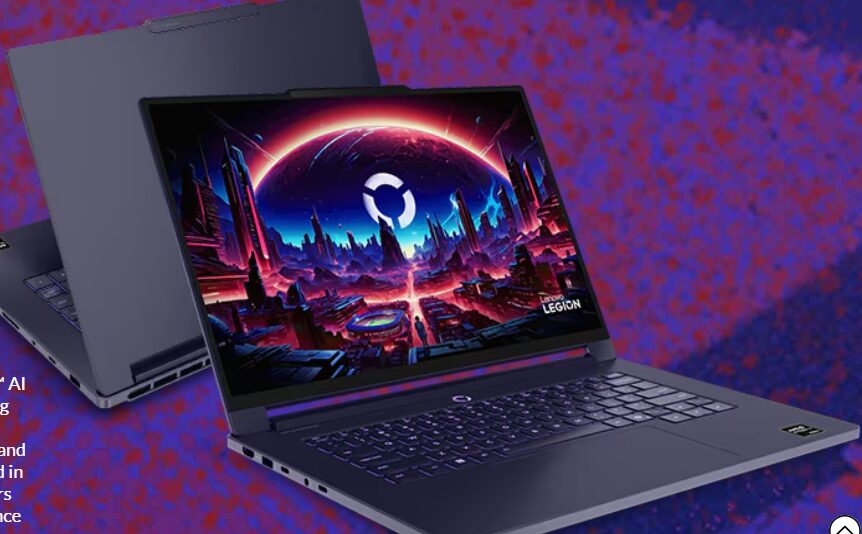
Buying a new laptop is a major investment, and with the shift toward non-upgradeable components, the decision you make today will likely stick with you for the next three to five years. Whether you are eyeing a Windows machine, a MacBook, or a budget-friendly Chromebook, focusing on a few core specifications will help you find the right balance between performance and price.
1. Budget and Operating System
Your search typically begins with how much you are willing to spend and which ecosystem fits your workflow.
- Windows: Offers the most variety in price and hardware. Reliable “sweet spot” laptops for work and school usually fall between $700 and $800, while gaming or creative rigs start around $1,000.
- MacOS: Ideal if you already use an iPhone or iPad. While the M1 MacBook Air is a frequent entry point (often discounted to $750–$800), you generally pay a premium for Apple’s build quality and ecosystem.
- ChromeOS: Best for those on a strict budget who primarily use web-based applications, streaming, and cloud services.
2. The Core Specs: RAM and Storage
Because many modern laptops solder their memory and storage directly to the motherboard, you should buy as much as you can afford upfront.
- Memory (RAM): * 16GB is the highly recommended standard for a smooth experience.
8GB is the absolute minimum; anything less (like 4GB) will lead to frustrating slowdowns in Windows.
- Storage (SSD): Solid-state drives (SSDs) are essential for speed.
256GB is sufficient for general use.
512GB is the recommended minimum for gaming or media-heavy work.
3. Display and Portability
The screen is your primary interface, so look beyond just the physical size.
- Pixel Density: Aim for at least 100 pixels per inch (PPI) to ensure text and icons look sharp.
- Resolution: Higher resolution is almost always better; you can scale elements up on a 4K screen to fit your needs, but you can’t add more “workable space” to a low-resolution screen.
- Portability: Larger screens often mean larger batteries and more ports, but thinner laptops aren’t always lighter. Consider if you need a touchscreen or a lightweight design for travel.
4. Processing Power (CPU & GPU)
The “brains” and “graphics” of your laptop determine what tasks it can handle.
- CPU: Intel and AMD power most Windows PCs, while Apple uses its own M-series chips. Generally, more cores equal better multitasking.
Note: Arm-based chips (Apple M-series and Snapdragon X) typically offer superior battery life compared to traditional x86 chips.
- GPU: * Integrated (iGPU): Standard for web browsing and office work; allows for thinner designs.
Discrete (dGPU): Necessary for serious gaming, video editing, and 3D design. Look for Nvidia or AMD chips for these tasks.
Quick Tip: Check for Upgradability
Before you buy, check if the RAM is “LPDDR.” If it is, the memory is likely soldered and cannot be changed later. If you think you’ll need more power in two years, try to stretch your budget for that extra RAM now.
Would you like me to help you compare specific laptop models or look for current deals on the specs mentioned above?
